Must-Have Podcast Equipment Checklist for 2025 (For Beginners & Pros)
“`html
Podcast Equipment Checklist for Beginners (2026 Edition): What You Actually Need
You’re ready to launch a podcast. Maybe it’s a B2B thought leadership show. Maybe you’re a founder who wants to stop renting attention from social algorithms and start owning an audience. Whatever the reason — the first question is always the same: what gear do I actually need?
Here’s the honest answer: you don’t need a $3,000 studio. You need a clear-headed podcast equipment checklist for beginners that separates the essentials from the noise. This guide does exactly that — no upsells, no vague recommendations, no sketchy Amazon bundles.
By the end, you’ll know what to buy, what to skip, and how to sound credible on day one. Porque la credibilidad importa — especially when your podcast is part of a larger B2B content strategy.
Why Podcast Audio Quality Is a Business Decision
Let’s be direct. Bad audio costs you listeners. Research from Podtrac consistently shows that audio quality ranks as one of the top reasons listeners abandon a show in the first three minutes. For B2B brands and founders using podcasting as a demand generation channel, that’s not just an aesthetic problem — it’s a revenue problem.
A solid equipment setup is a one-time investment that protects every episode you publish going forward. Think of it as infrastructure, not overhead.
That said, you don’t need to buy everything at once. This checklist is tiered: must-haves first, nice-to-haves second, and a short list of gear you can safely ignore at the start.
The Core Podcast Equipment Checklist for Beginners
1. Microphone — The Non-Negotiable
Your microphone is the single most important piece of equipment in this list. A mediocre mic will undermine everything else you invest in. For beginners, dynamic microphones are the smart starting point — they reject background noise better than condenser mics, which matters if you’re recording in a home office, a co-working space, or anywhere that isn’t acoustically treated.
- Samson Q2U — USB and XLR connectivity, around $70. One of the best entry-level mics on the market. The dual connectivity means you can plug directly into a laptop now and upgrade to an audio interface later without replacing the mic.
- Audio-Technica ATR2100x-USB — Similar dual-connection setup, slightly warmer tone. Around $80–$100.
- Shure MV7 — If you want to invest once and not revisit this decision for years, the MV7 runs around $250 and delivers broadcast-quality audio out of the box.
One perspective: USB mics win for simplicity. Another: XLR mics give you more control and scale better if you add co-hosts or upgrade your setup. The Samson Q2U and ATR2100x hedge both bets — start USB, go XLR when ready.
2. Headphones — Don’t Record Without Them
Closed-back headphones are essential during recording. They prevent audio from bleeding back into your mic, and they let you catch problems — a buzzing HVAC unit, a notification chime, inconsistent mic distance — in real time instead of during editing.
- Audio-Technica ATH-M20x — Around $50. Industry-reliable, flat response, won’t color the audio.
- Sony MDR-7506 — Around $100. Used in professional broadcast studios for decades. Comfortable for long sessions.
Avoid consumer headphones with bass boost. They’ll make your audio sound better to you while you’re recording and worse when you’re editing on a flat monitor. Sin chamullo — this is one of the most common beginner mistakes.
3. Recording Software (DAW)
You need software to capture, edit, and export your audio. The good news: solid free options exist.
- Audacity — Free, cross-platform, more than capable for beginners. Has a learning curve but extensive tutorials exist.
- GarageBand — Free for Mac users. Intuitive interface, built-in noise reduction, easy export.
- Descript — Paid (starts around $12/month in 2026). Records, transcribes, and edits audio by editing text. A significant time-saver for content teams producing high-volume shows.
- Riverside.fm — Best option if you’re recording remote interviews. Captures local audio from each participant, dramatically reducing quality issues caused by internet lag.
4. Pop Filter or Windscreen
Plosives — those harsh “p” and “b” sounds that hit the mic like a small explosion — are one of the most distracting audio artifacts in beginner podcasts. A pop filter or foam windscreen eliminates most of them for under $15.
- Foam windscreen — Slips directly over the mic. Simple, effective, under $10.
- Clip-on pop filter — Sits between your mouth and the mic. Slightly more effective for heavy plosive speakers.
Either works. Own at least one.
5. Mic Stand or Boom Arm
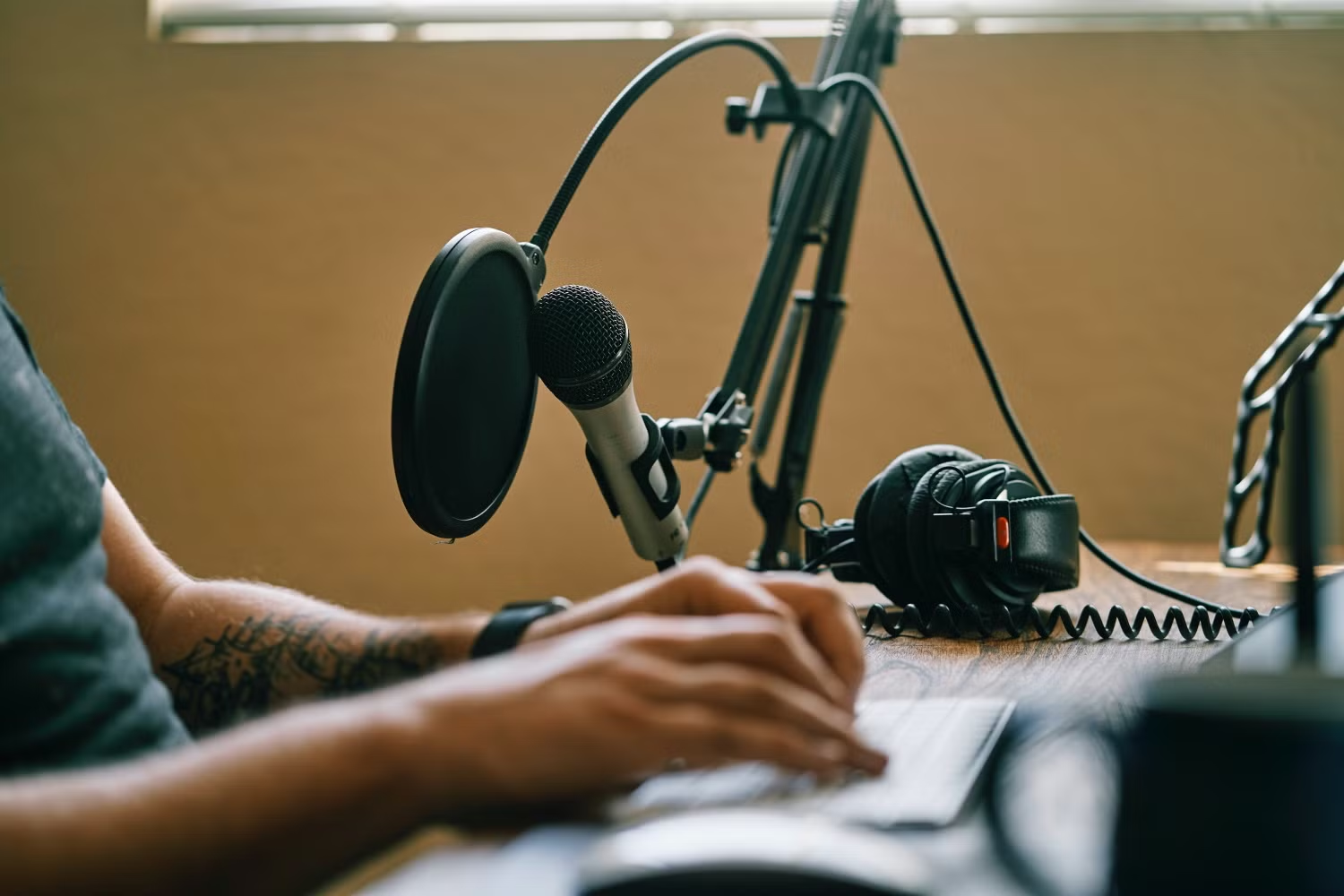
Holding your microphone while you record introduces handling noise and makes it nearly impossible to maintain consistent mic distance — which directly affects audio consistency across an episode. A desktop stand ($15–$25) solves this at the entry level. A boom arm ($30–$80) gives you more flexibility and keeps your desk clear.
- InnoGear Boom Arm — Around $30. Reliable for the price point.
- Rode PSA1 — Around $100. Built to last, smooth articulation, the standard upgrade for anyone who records frequently.
The Upgrade Path: When You’re Ready to Go Deeper
Audio Interface
If you move from a USB mic to an XLR mic — which gives you access to a much wider range of professional-grade microphones — you’ll need an audio interface. This converts the analog signal from your XLR mic to digital audio your computer can process.
- Focusrite Scarlett Solo — Around $120. The default recommendation for single-host shows. Clean preamps, simple setup.
- Focusrite Scarlett 2i2 — Around $180. Two inputs, ideal for in-person co-host setups.
Acoustic Treatment
You don’t need a padded booth. But hard, reflective surfaces — bare walls, tile, glass — create echo and reverb that no amount of post-production can fully clean up. Even basic acoustic foam panels ($30–$60 for a starter pack) or recording near a bookshelf filled with books makes a measurable difference.
Recording in a closet full of hanging clothes is genuinely one of the better cheap acoustic environments available to most people. No shame in it — many professional podcasters still use exactly this setup for travel episodes.
Podcast Hosting Platform
Technically not hardware, but essential to the checklist. You need a host to distribute your episodes to Spotify, Apple Podcasts, and the rest of the ecosystem.
- Buzzsprout — Easy onboarding, good analytics, free tier available.
- Transistor.fm — Better fit for B2B brands running multiple shows under one account.
- Spotify for Podcasters (formerly Anchor) — Free, widely used, but limited analytics for growth-focused teams.
What to Skip at the Start
Plenty of products are marketed aggressively at beginners without delivering proportionate value. These are the common ones worth skipping until your show has traction:
- Condenser microphones — Higher sensitivity sounds appealing until you realize they pick up every HVAC hum, keyboard click, and car passing outside. Dynamic mics are more forgiving in real-world recording environments.
- All-in-one podcast bundles from Amazon — Usually combine a low-quality condenser mic with accessories that look professional and perform poorly. Buy components individually from reputable brands.
- Hardware mixers for solo shows — Unnecessary complexity for a single-host podcast. An audio interface handles everything you need at a fraction of the cost.
- Expensive soundproofing panels before you have an audience — Diminishing returns. Treat your space minimally and reinvest when the show earns it.
A Complete Starter Kit: What to Buy in 2026
If you want the clearest possible starting point, here’s a beginner kit that covers everything for under $200:
- Mic: Samson Q2U (~$70)
- Headphones: Audio-Technica ATH-M20x (~$50)
- Pop filter/windscreen: Generic foam windscreen (~$8)
- Boom arm: InnoGear desktop boom (~$30)
- Software: Audacity or GarageBand (free)
- Hosting: Buzzsprout free tier to start
Total: under $160 for a setup that will hold its own in any B2B podcast feed. Claro — this is enough to start building a real audience before you invest further.
Podcast Equipment Is the Start, Not the Strategy
Getting your gear right is step one. But the brands and founders seeing real ROI from podcasting in 2026 aren’t winning because of their microphone choice — they’re winning because their content strategy is built around their buyer, not their brand.
That means knowing what your audience needs to hear at each stage of the funnel, how to repurpose episodes into written content that ranks, and how to distribute consistently without burning out your team.
If you’re building a B2B podcast as part of a broader content engine, that’s exactly what we work on at Social Peak Media. Explore our B2B Growth Topics pillar to see how podcasting fits into a full-funnel content strategy — and what it looks like when it’s working.
Ready to turn your podcast into a demand generation channel? Talk to our team about building content that compounds.
By Jose Villalobos
“`