How to Record a Podcast Remotely (Step-by-Step Guide)
“`html
Remote Podcast Recording Guide: How B2B Teams Capture Pro Audio From Anywhere in 2026
Your best podcast guest is probably three time zones away. So is your co-host. And your audience doesn’t care — they’ll click off in 90 seconds if the audio sounds like a Zoom call from 2020. That’s the real pressure behind building a solid remote podcast recording workflow: it’s not just a technical checklist, it’s a brand credibility decision. This guide gives you the practical framework — tools, setup, process — to record remotely without sacrificing the quality that keeps B2B listeners coming back.
Why Remote Recording Is Now a B2B Podcast Standard
Three years ago, remote recording was a workaround. In 2026, it’s the default. The CMOs and founders building the most consistent B2B podcasts aren’t flying guests into studios — they’re running distributed recording sessions that rival in-person quality. Here’s why the shift is permanent:
- Global guest access: Your most credible guests — analysts, category leaders, niche practitioners — are scattered. Remote recording removes geography as a barrier to booking them.
- Lower production cost: No studio rental, no travel coordination, no scheduling around physical availability. The budget goes into promotion, not logistics.
- Consistent output cadence: Distributed teams can record on their own schedules. Consistency is the single biggest driver of podcast audience growth — and remote workflows make it easier to maintain.
- Scalable content repurposing: Separate audio tracks (more on this below) make editing, clipping, and repurposing far cleaner than a blended recording.
The caveat: remote recording done wrong sounds worse than in-person done right. The gap between a polished B2B show and an amateur one often comes down to two things — the platform you use and the prep you give your guests. Both are fixable.
Step 1: Choose the Right Remote Recording Platform
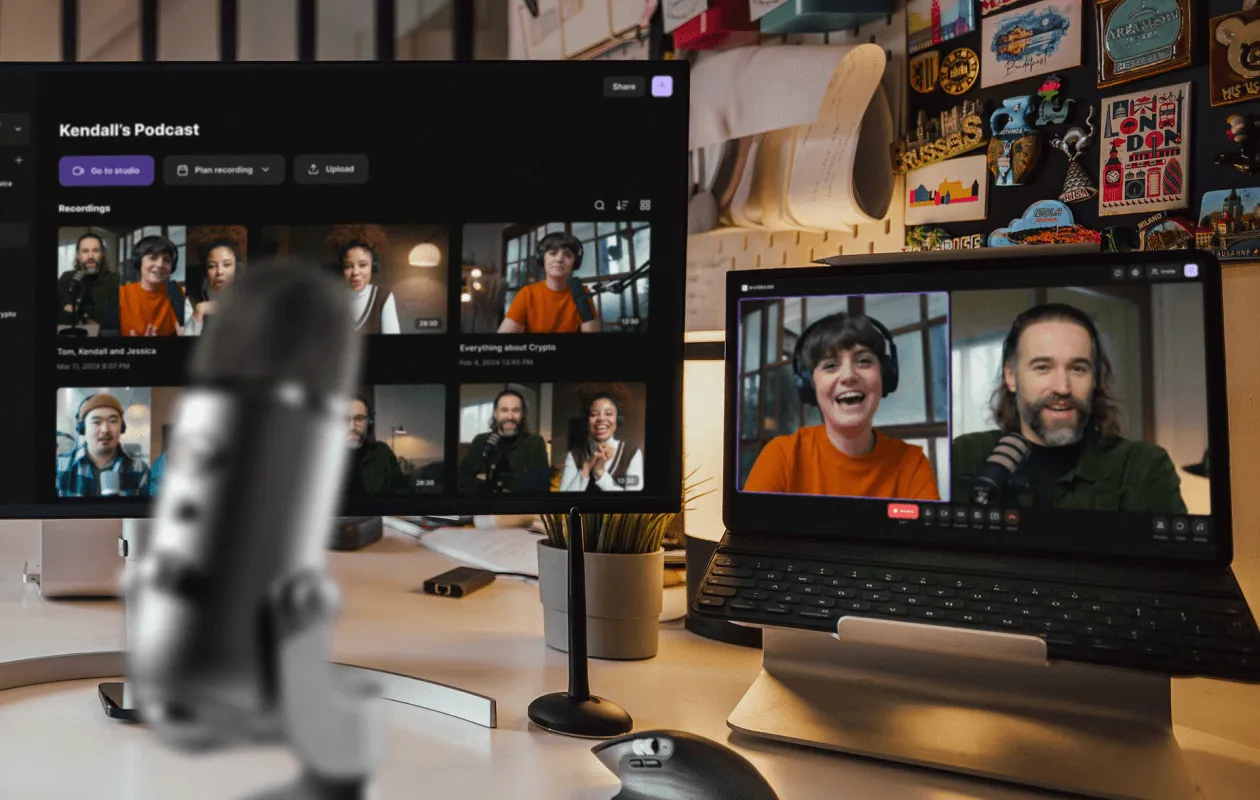
This is your foundation. The platform you choose determines audio quality ceiling, track separation, and how easy it is for guests to show up without technical friction. Not all tools are equal — and Zoom is not a recording studio.
Riverside.fm
The current gold standard for B2B podcast teams. Riverside records locally on each participant’s device, then uploads to the cloud — meaning internet hiccups don’t degrade the final audio. You get separate tracks per participant, up to 48kHz WAV quality, and a progressively improving AI-assisted editor built into the dashboard. If you’re producing a show with any ambition, start here.
Zencastr
Browser-based, no app install required, lossless audio quality. Zencastr is solid for teams that prioritize frictionless guest access. The post-production features are lighter than Riverside’s, but the core recording quality holds up. Good mid-tier option.
SquadCast (now part of Descript)
Professional-grade audio and video, easy guest links, and now integrated with Descript’s editing ecosystem. If your team already edits in Descript, the SquadCast integration tightens the production loop significantly.
Cleanfeed
Built for radio and broadcast professionals. Browser-based, real-time high-quality audio, zero installation. If you’re audio-only and your guest pool includes experienced media professionals, Cleanfeed is worth considering. Less video-forward than Riverside or SquadCast.
Zoom or Teams (Backup Only)
Use these for pre-interview briefings, not as your recording platform. The compressed audio is a brand liability. That said, if a guest can only join via Zoom — make it work, then invest extra editing time on cleanup. Sin chamullo: it’s a last resort, not a strategy.
Step 2: Set Up Your Audio Environment Before You Hit Record
Platform choice matters less than environment. A $400 microphone in a reflective home office will sound worse than a $80 dynamic mic in a treated room. Before your next recording session, audit these variables:
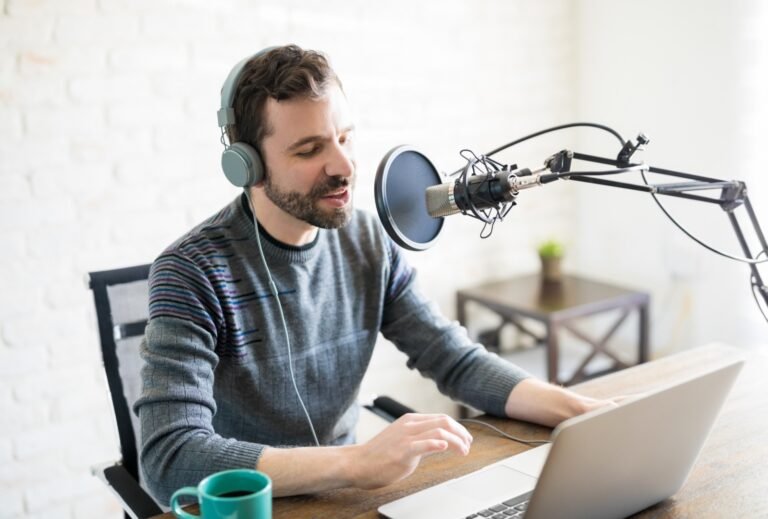
- Microphone type: Dynamic mics (like the Shure MV7 or Audio-Technica ATR2100x) reject background noise better than condensers — ideal for home environments. USB connection keeps it simple for guests.
- Room acoustics: Soft surfaces absorb sound. Record in a room with carpet, bookshelves, or a closet full of clothes. Avoid kitchens, bathrooms, and any room with hard parallel walls.
- Headphones: Every participant needs wired headphones during recording. Speakers cause feedback loops that destroy audio quality.
- Internet connection: Hardwired ethernet over WiFi, always. Ask guests to do the same if possible. A stable connection matters most for real-time monitoring — even on platforms that record locally.
- Mic technique: Six inches from the mic, slightly off-axis to reduce plosives. This alone will improve most guest recordings dramatically.
Step 3: Prep Your Guests — They’re Not Podcasters
This is where most B2B podcast operations fail. You’ve optimized your setup. Your guest hasn’t thought about theirs at all. Send a one-page technical brief 48 hours before recording. Cover exactly what to do, not what to avoid. Include:
- The recording link and how to test audio before joining
- Headphone requirement (with a specific budget recommendation if they don’t own any)
- Environment guidance — quietest room in the house, door closed, phone on silent
- A 5-minute buffer before the call to run a mic check together
The mic check is non-negotiable. Claro: five minutes of prep prevents forty minutes of post-production noise reduction. Build it into your standard pre-recording workflow, no exceptions.
Step 4: Record With Redundancy
Even on Riverside or Zencastr, run a local backup. Audacity (free) or GarageBand records your own mic locally on your machine. If the platform upload fails or a track gets corrupted, you have a fallback. This is especially important for high-value guest interviews — the ones you can’t easily reschedule.
For video recording, make sure each participant’s video is captured at the highest resolution the platform supports. In 2026, short-form video clips from podcast episodes are a primary B2B content distribution channel. Raw high-quality video gives your team more to work with in post.
Step 5: Post-Production Workflow for Remote Recordings
Separate tracks are your competitive advantage. Unlike blended recordings, individual participant tracks let your editor adjust levels independently, remove background noise per speaker, and cut cleanly without affecting other participants’ audio.
- Noise reduction: Adobe Audition, iZotope RX, or Descript’s AI tools handle most remote recording artifacts — room noise, mic handling sounds, HVAC hum.
- Level normalization: Match each track to a consistent loudness level (target -16 LUFS for podcasts, -14 LUFS for platforms like Spotify).
- Editing: Cut filler words, long pauses, and crosstalk. Keep it tight — B2B listeners are consuming this content during commutes and between meetings.
- Clip creation: Pull two to three 60-90 second moments per episode for social distribution. This is where the real audience growth happens.
2026 Update: AI Tools That Changed Remote Recording
The remote recording landscape shifted noticeably in the past 18 months. AI-assisted tools now handle tasks that previously required dedicated audio engineers. Descript’s Overdub and Studio Sound features, Riverside’s Magic Clips, and Adobe’s AI-powered noise removal have compressed the gap between amateur and professional production quality. For B2B teams without in-house editors, these tools reduce per-episode production cost significantly while maintaining a quality floor that keeps your brand credible.
That said, AI doesn’t replace editorial judgment. The best B2B podcast content is still driven by smart guest selection, strong interview prep, and a clear point of view — things no platform automates. Use the tools to handle the technical lift so your team can focus on the content strategy.
Build Remote Recording Into Your Broader B2B Content Engine
A remote podcast recording workflow isn’t a standalone tactic — it’s infrastructure for a content operation. The teams getting the most leverage from their podcasts are treating each episode as a content asset that feeds blog posts, LinkedIn content, email newsletters, and sales enablement material. The recording quality you capture remotely determines how much you can extract downstream.
If you want to see how this fits into a full B2B growth content strategy, our other related pillar“>explore our pillar on Related B2B Growth Topics — it covers how leading B2B teams are building content engines that compound over time.
Ready to Make Your Podcast Sound Like It Belongs on Your Tier?
The gap between a B2B podcast that builds authority and one that gets abandoned after eight episodes usually comes down to systems — recording workflow, guest prep, post-production process, distribution. At Social Peak Media, we help B2B companies build content operations that actually scale. If your podcast is already running but not converting listeners into pipeline, or if you’re still figuring out how to start, let’s talk about what a real content strategy looks like for your category.
Get in touch with our team and we’ll show you exactly how we approach it.
Written by Jose Villalobos
“`